
Why are some GPX files large?
A GPS device can record coordinates frequently throughout a long activity. Each point is represented by XML, and optional elevation, timestamps and extension data add text. A multi-day recording with many segments can therefore create a file that takes longer to import, display or share.
A large file is not automatically wrong. Dense points can describe turns and technical terrain more accurately than sparse points. Compression is a trade-off between size and detail, not an improvement in GPS accuracy.
Check what is making the file large
- Make a backup of the GPX before doing any cleanup.
- Open it in the GPX Viewer and inspect the full route.
- Look for extra tracks, repeated sections, many track points or noisy zigzags that might have been recorded during a GPS signal problem.
- Decide what you need to preserve: path shape, timings, elevation, waypoints or device-specific data.
If you need a refresher on these elements, see what is a GPX file? .
Reduce points with track simplification
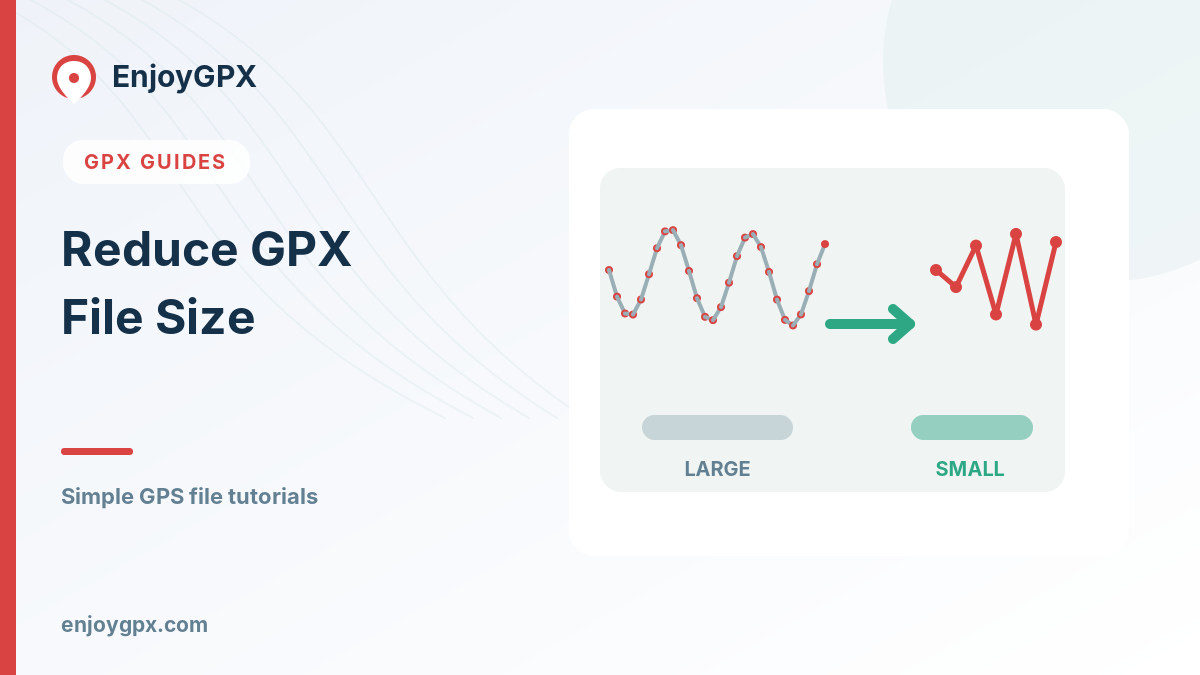
A dedicated GPX simplifier removes points that contribute little to the line's shape, while keeping important bends. The amount removed depends on its tolerance. A conservative setting may shrink a dense track without a major visual change, but aggressive simplification can cut corners or hide switchbacks.
EnjoyGPX does not currently have a one-click GPX simplifier or compressor . Use specialized software for bulk simplification, and preview both files afterward. The GPX Track Editor can correct individual points, but manually deleting thousands of points is not an efficient file-size reduction method.
Remove unwanted sections instead of simplifying everything
Sometimes the simplest solution is to remove accidental recording before and after the intended activity. A GPX file may contain a long stationary section, transport between trailheads or duplicate recordings. A proper split/trim workflow can remove those portions without changing the actual hiking or cycling track.
See how to split a GPX file for choosing cut points. If you have multiple tracks in one file, exporting only the needed track may reduce size more cleanly than changing the entire recording.
Can you delete timestamps or elevation?
You can remove optional information with suitable software, but do so only when the destination does not require it. Losing timestamps prevents accurate analysis of recorded pace or speed. Losing elevation can make climbing statistics unavailable. Device-specific extensions may hold useful data not immediately visible in a map viewer.
For spreadsheets, the GPX to CSV Converter exports a simpler point table, but CSV is a different representation and is not a smaller GPX file.
Verify the simplified GPX
Open the result in the GPX Viewer and compare it with the original at several zoom levels. Examine sharp turns, switches, start and end coordinates, segment gaps and any areas where the track crosses itself. If a navigation device requires a maximum number of course points, confirm its actual limit rather than guessing.
If the output fails to open, see how to fix a corrupted GPX file . A correctly reduced GPX should remain valid XML.
Example: a dense multi-hour GPS recording
Consider a ride recorded every second. It may contain many points on long straight roads where the exact intermediate coordinates add little shape detail. A conservative simplifier can often keep the corners and major bends while removing redundant points. But on a narrow mountain trail with switchbacks, removing points too aggressively may cut across the turns and make the track misleading.
The correct simplification setting therefore depends on the intended use. A visual overview on a small map can tolerate more simplification than a track used for close-up navigation. Always inspect the most complicated sections at a large zoom level, not just the overall route shape.
Do not confuse file size with GPS quality
A smaller file isn't necessarily a better file. Frequent samples can preserve a complex path, while bad reception can also create lots of useless samples. Removing GPS spikes improves the map independently from compressing the rest of the recording. If accuracy is your priority, fix obvious errors first and simplify second, keeping an archive of the untouched source.
Frequently asked questions
Will a smaller GPX file load faster?
Often yes, especially if you remove large numbers of unnecessary points. The improvement varies by software and device.
Can I ZIP a GPX and use it in my GPS app?
Only if the app explicitly accepts ZIP archives. Compressing for email transfer is different from reducing point count in an importable GPX file.